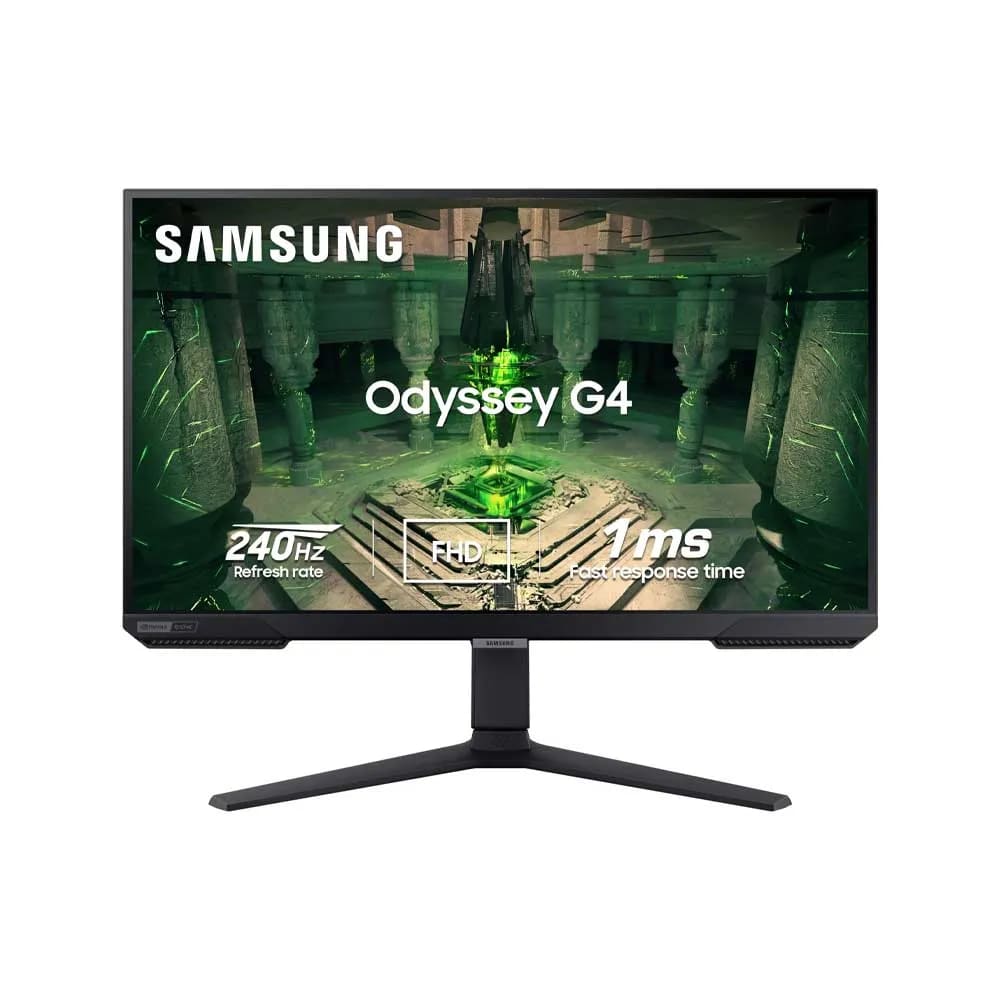
Samsung Odyssey G4 S27BG402EM

Details
- Screen size
- 25
- Resolution
- Full HD (1080p)
- Refresh rate
- 240 Hz+
- Panel type
- IPS
Description
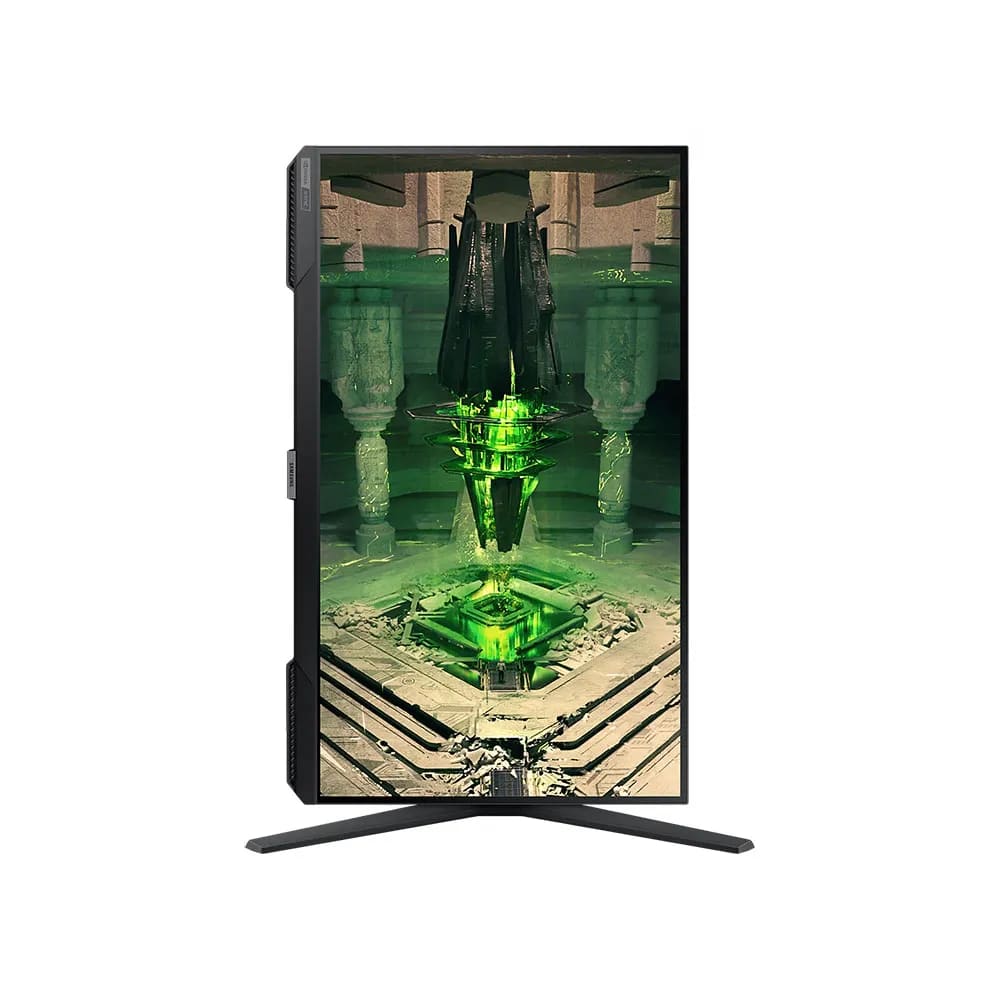
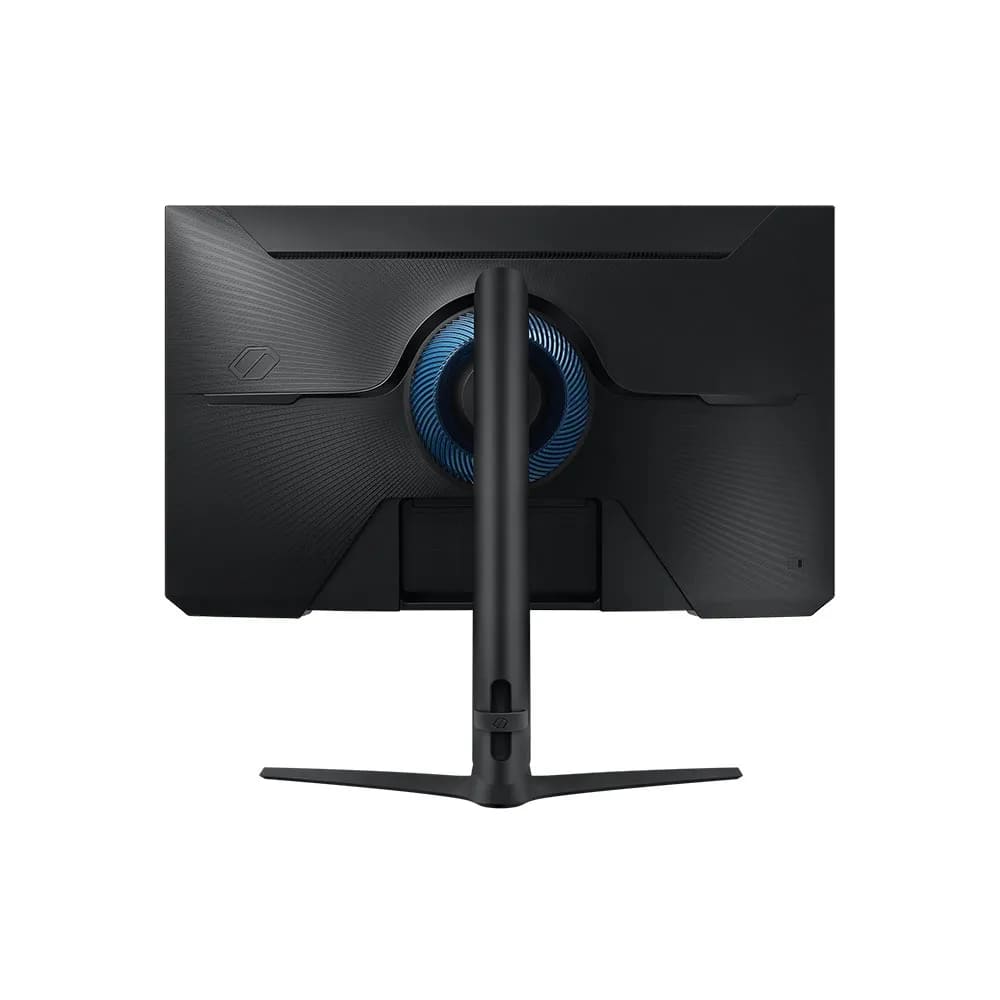
• Screen Size: 27 inches • Resolution: Full HD (1920 x 1080) • Panel Type: IPS Panel (Flat) • Refresh Rate: 240Hz • Response Time: 1ms (GtG - Gray to Gray) • Synchronization: NVIDIA G-Sync Compatible and AMD FreeSync Premium • Brightness (Typical): 400 cd/m² • Contrast Ratio: 1,000:1 (Typical) • HDR: HDR10 support • Ports: 1x DisplayPort 1.2, 2x HDMI 2.0, Headphone jack • Ergonomics: Height-adjustable stand (HAS), tilt, swivel, and pivot • FHD RESOLUTION & IPS PANEL: You can see games like never before; IPS panel delivers clear colors and a wide 178º viewing angle for clarity from any viewpoint; With more pixels and greater depth, gaming gets closer to reality than ever before • 240Hz REFRESH RATE & 1MS(GTG) RESPONSE TIME: Speed through scenes; 240Hz refresh rate eliminates lag for exhilarating gameplay with ultra-smooth action; Jump on enemies right when you see them with a 1ms (GTG) response time and blur-free frames • NVIDIA G-SYNC COMPATIBLE: Screen sync technology keeps your GPU and panel synced to eliminate choppiness, screen-lag and image tears; G-SYNC compatibility and AMD FreeSync Premium support ensures fast-action game scenes are stable and stutter-free • ULTRAWIDE GAME VIEW: Adjust your screen to 21:9 to discover hidden areas in game scenes with Ultrawide Game View; When playing soccer games, see more of the pitch right up to the goalposts; In driving games, get an encompassing view of the road ahead • ERGONOMIC STAND: Reach the height of winning; Swivel, tilt, and adjust your monitor to fit to your ideal gaming setup; Your display can be moved freely so you can find total comfort for extended gaming sessions • AUTO SOURCE SWITCH+: With Auto Source Switch+, your monitor detects when connected devices are turned on and instantly switches to the new source signal; This helps you get to your game action faster without flipping through multiple input sources
Description
• Screen Size: 27 inches • Resolution: Full HD (1920 x 1080) • Panel Type: IPS Panel (Flat) • Refresh Rate: 240Hz • Response Time: 1ms (GtG - Gray to Gray) • Synchronization: NVIDIA G-Sync Compatible and AMD FreeSync Premium • Brightness (Typical): 400 cd/m² • Contrast Ratio: 1,000:1 (Typical) • HDR: HDR10 support • Ports: 1x DisplayPort 1.2, 2x HDMI 2.0, Headphone jack • Ergonomics: Height-adjustable stand (HAS), tilt, swivel, and pivot • FHD RESOLUTION & IPS PANEL: You can see games like never before; IPS panel delivers clear colors and a wide 178º viewing angle for clarity from any viewpoint; With more pixels and greater depth, gaming gets closer to reality than ever before • 240Hz REFRESH RATE & 1MS(GTG) RESPONSE TIME: Speed through scenes; 240Hz refresh rate eliminates lag for exhilarating gameplay with ultra-smooth action; Jump on enemies right when you see them with a 1ms (GTG) response time and blur-free frames • NVIDIA G-SYNC COMPATIBLE: Screen sync technology keeps your GPU and panel synced to eliminate choppiness, screen-lag and image tears; G-SYNC compatibility and AMD FreeSync Premium support ensures fast-action game scenes are stable and stutter-free • ULTRAWIDE GAME VIEW: Adjust your screen to 21:9 to discover hidden areas in game scenes with Ultrawide Game View; When playing soccer games, see more of the pitch right up to the goalposts; In driving games, get an encompassing view of the road ahead • ERGONOMIC STAND: Reach the height of winning; Swivel, tilt, and adjust your monitor to fit to your ideal gaming setup; Your display can be moved freely so you can find total comfort for extended gaming sessions • AUTO SOURCE SWITCH+: With Auto Source Switch+, your monitor detects when connected devices are turned on and instantly switches to the new source signal; This helps you get to your game action faster without flipping through multiple input sources
Comments
Ask a question or share something helpful about this item.
Sign in to join the conversation
Visible to everyone. Keep it helpful and respectful.